
Amplify your Connections.
Automation
Automate your campaigns, replies, client touch-points and more!.
Phone & Text
Integrated phone system with a power dialer, 2-way texting, ringless voicemails, and DNC-list verification.
One-Inbox
One inbox for all your communication includes all incoming and outgoing emails, SMS, voicemails.
Geofarming
Collect leads by neighborhood or zipcode. Aero CRM will extract the data which you can add the prospect to an automated marketing campaign.
Calendar
Built-in Calendar management includes meeting booking system, activity management for leads, and 3rd party integrations.
Forms & Surveys
Build advanced forms and Surveys, collect data via your website, email, and campaigns.
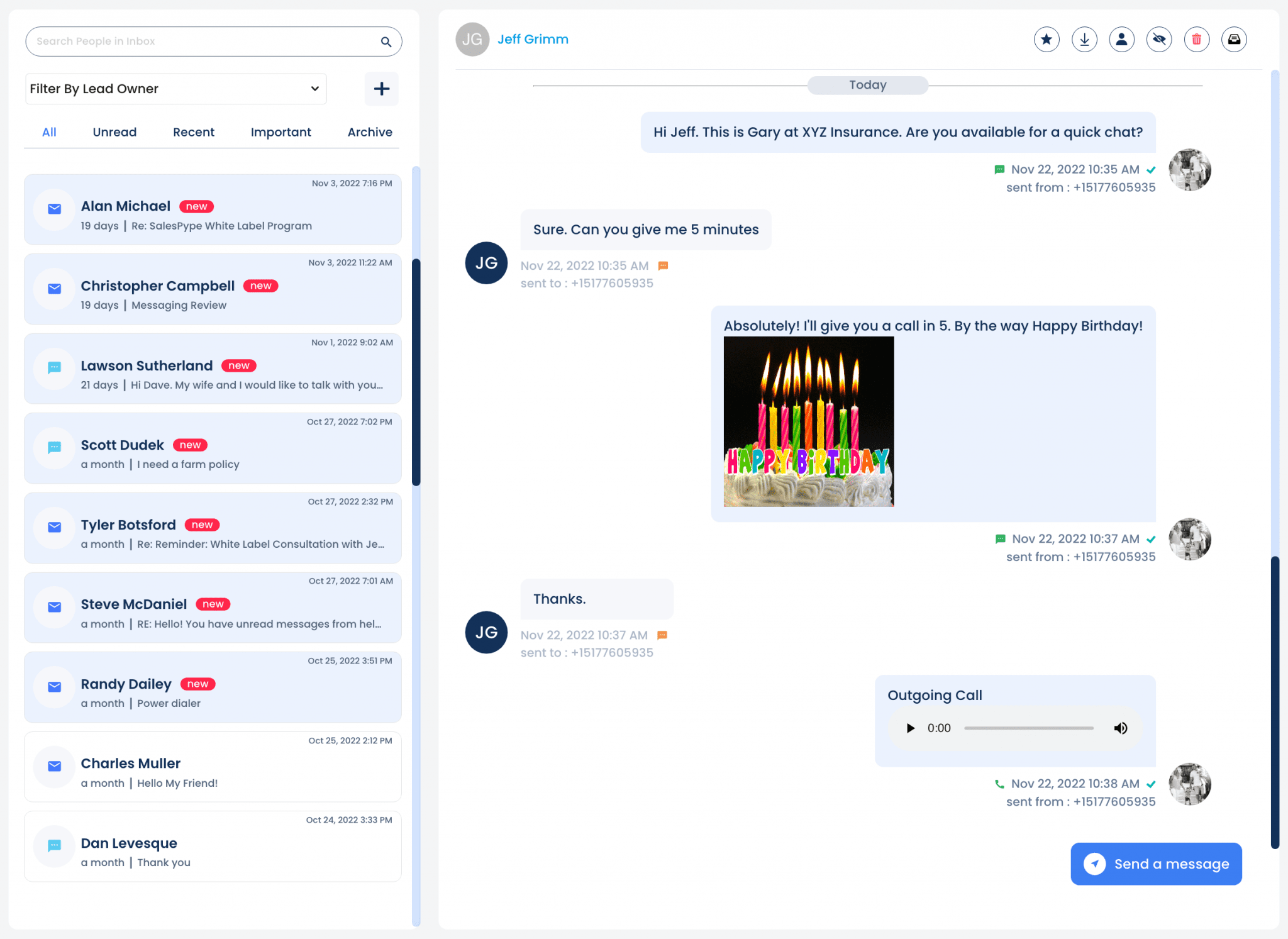
Custom Phone Numbers • Whitelabel E-mail
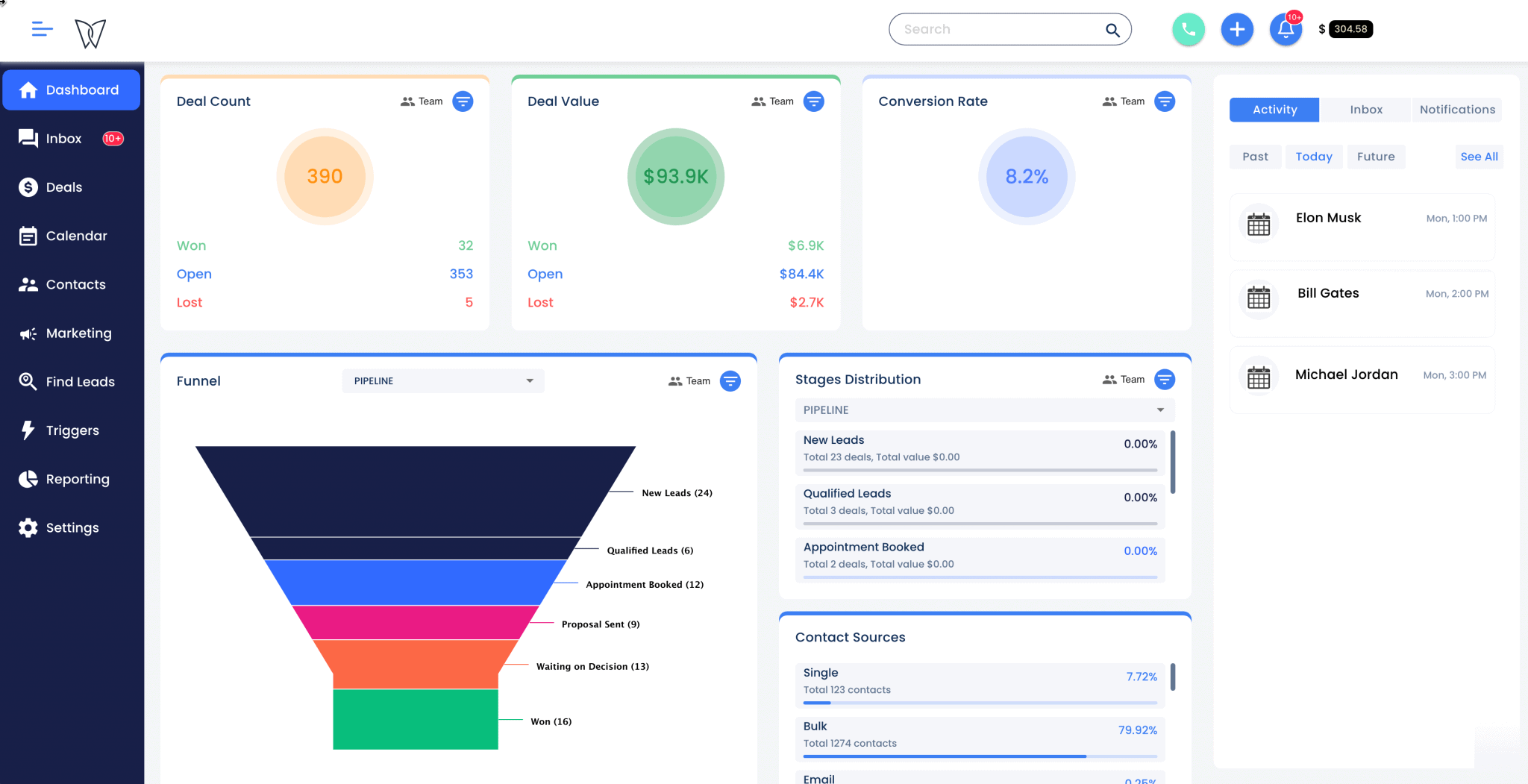
Data-Driven Relationships.
Quick insight into your contact's background, custom data, and communication history in one view.
Beyond CRM.
Track your growth, improve your conversion, and funnel your leads.
Questions?
Aero CRM has open API that allows you to integrate it with your existing systems.
With marketing automation, you can:
- Automate your lead intakes and add leads to campaigns based on keywords, tags, etc.
- Create campaigns combined of all mediums of communication, including email, text, and direct mail.
- Automate campaigns based on each deal stage.
Our business reporting tool allows you to share multiple ways:- Download as PDF: You can choose to share your Reports by downloading them as PDFs. This format allows you to easily share via email or store your reports as needed.
- Send to Email: You can send an email (either immediately or scheduled) to any email address from within the Reports Editor. All you have to do is enter the recipient's emails, the subject of the message, and any additional text you would like to include.
- Send to Slack: Reports can also be sent to Slack channels, either immediately or at a scheduled date and time.
- Automate: You can set a schedule to automatically export the Report daily, weekly, monthly, or quarterly.
Yes, dashboards in Databox are interactive. Here are a few ways you can engage with the data:1. Hovering over data points to view specific values.2. Adjusting date ranges for individual visualizations.3. Updating visualizations with a single click.4. Choosing which lines (metrics, trend, goals) to view on charts.
You can change the colors of your dashboards, charts, reports, etc. And customize the logo on your dashboards to reflect your brand.